To quickly find products on Stockshare, follow these steps:
1. Go to the Products page
In the left-hand navigation panel, click “Products.” This will open your full product list.

2. Use the Search Function
In the top right corner, you’ll see a search icon. Click it to open the search bar.

3. Search by Product Name or SKU
Stockshare allows you to search using:
- Product name, or
- SKU code
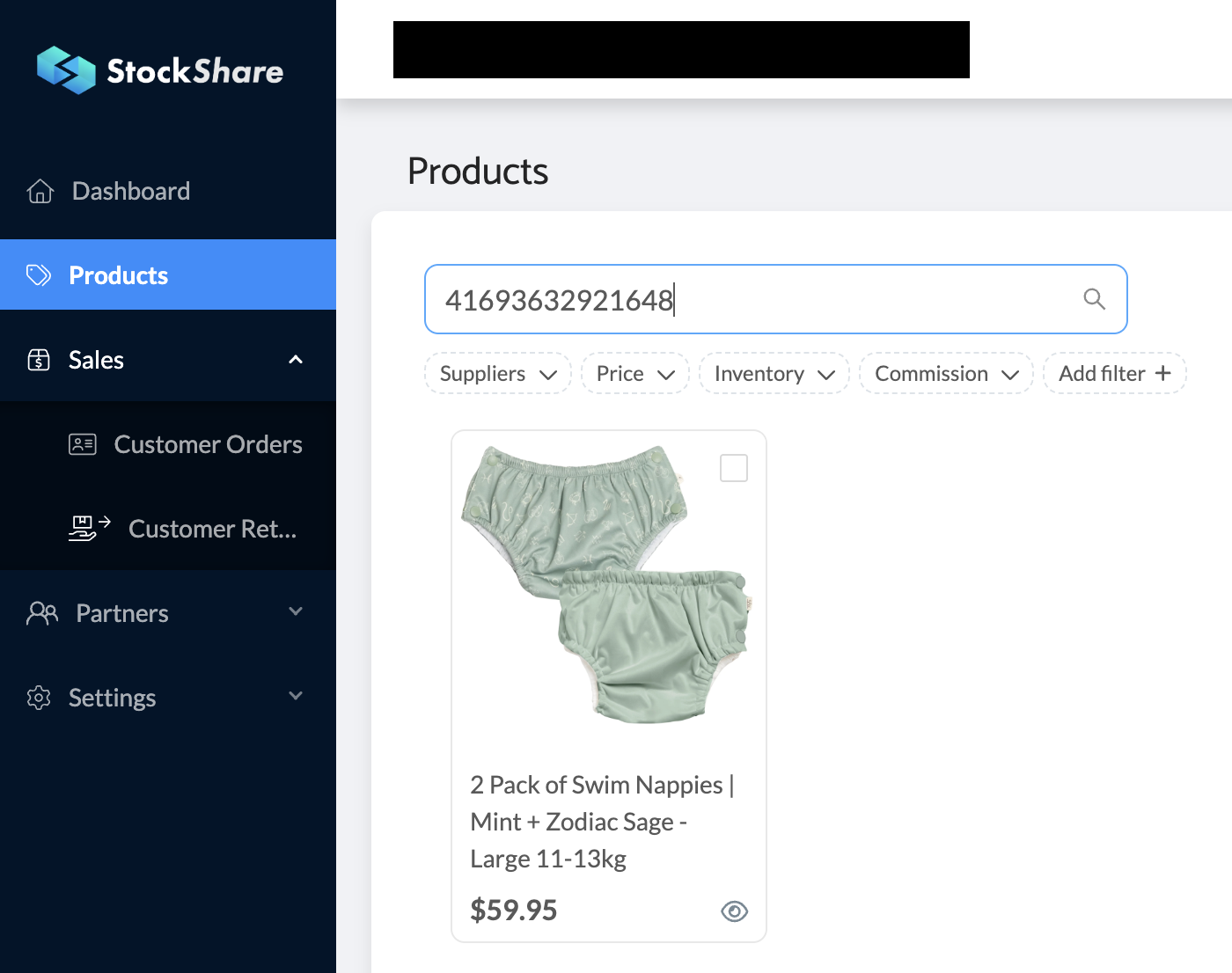
4. Important: Searching by SKU
When searching by SKU, enter only the numeric part of the SKU.
For example: If the SKU is SS-12345, search for 12345 (do not include the “SS-”).
Was this article helpful?
That’s Great!
Thank you for your feedback
Sorry! We couldn't be helpful
Thank you for your feedback
Feedback sent
We appreciate your effort and will try to fix the article