You can easily export product and variant data from StockShare into a CSV file for reporting or analysis.
Steps to Export Products
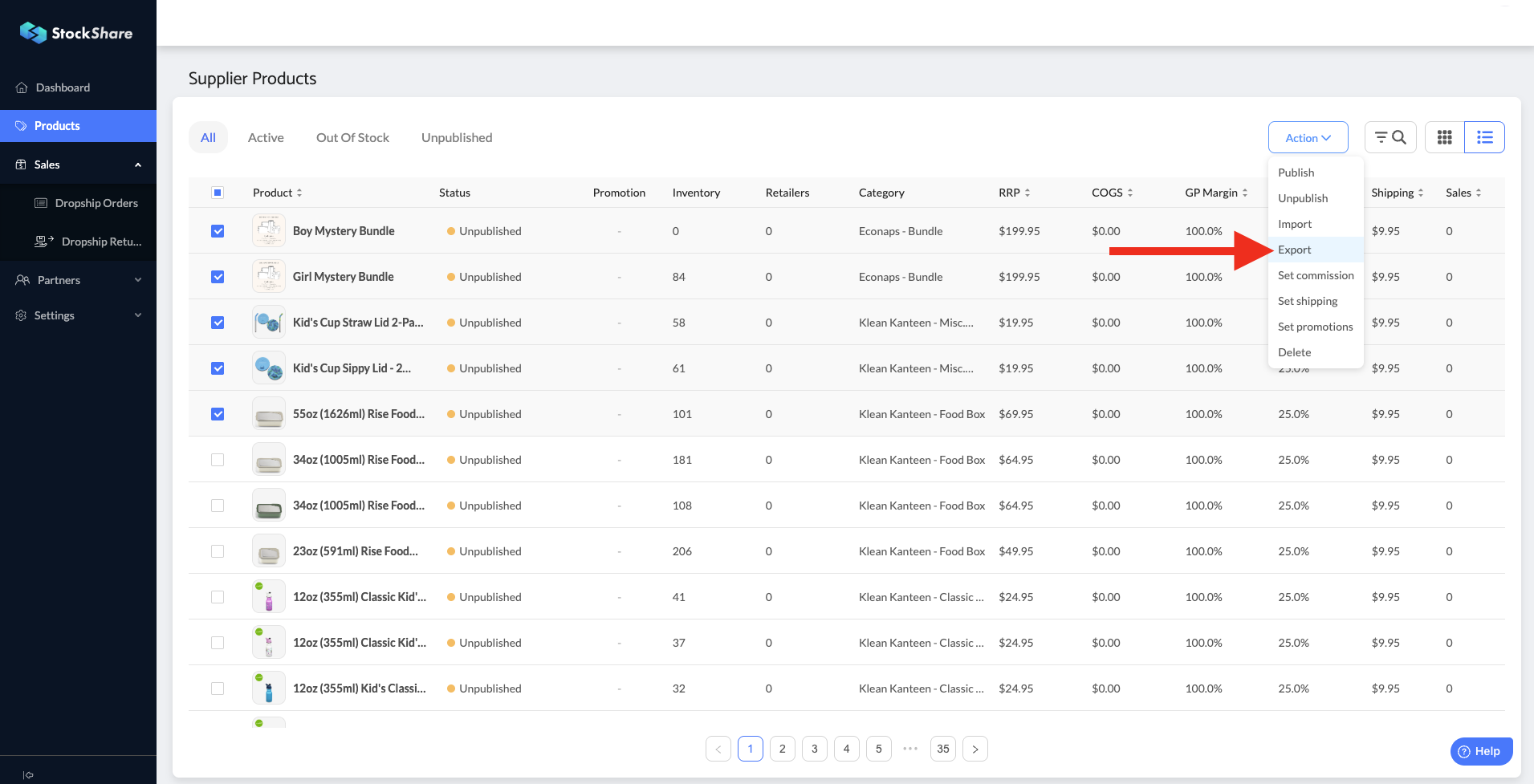
- Navigate to Products from the left-hand menu.
- Select the products you would like to export.
- Click Actions in the top-right corner.
- Select Export.
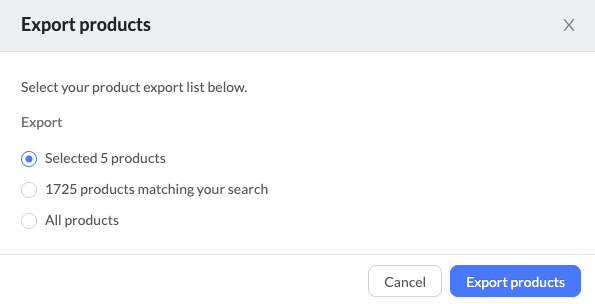
Your file will download as a CSV.
What Information is Included?
The exported CSV file contains the following fields:
product_idproduct_nameproduct_shipping_fee_fixed_amountvariant_idvariant_namevariant_skuvariant_barcodevariant_rrp_amountvariant_commission_percentageavailable_quantity
You can select multiple products before exporting to generate a bulk report. The CSV format makes it easy to use in tools like Excel or Google Sheets for further analysis.
Was this article helpful?
That’s Great!
Thank you for your feedback
Sorry! We couldn't be helpful
Thank you for your feedback
Feedback sent
We appreciate your effort and will try to fix the article